Same Premium Voices.
Pay 90% Less.
Listen to articles and research papers in lifelike audio
Pay 90% Less.
Listen to articles and research papers in lifelike audio
For readers tired of expensive TTS apps. Bring your own API keys and pay provider rates directly.
✓ Keys stored in your browser only • ✓ No subscriptions • ✓ One-time $9 fee
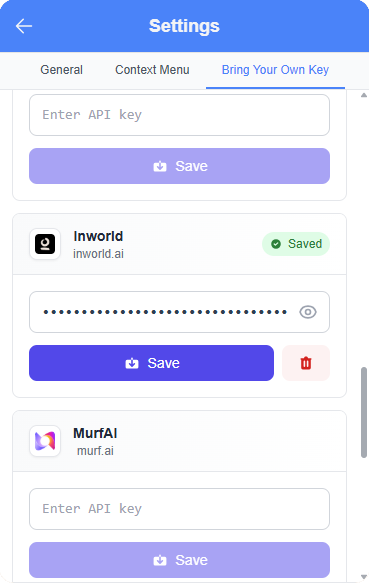
Maximum savings for heavy readers. Bring your own API keys from top providers and pay their rates directly — as low as $0.65 per million characters. No markups, no subscriptions.

Price is what you pay.
— Warren Buffett
Value is what you get.
Cut out the middleman. Pay the exact same base rate developers pay (often 90% less).
Not a knock-off. You get the exact same HD voices as the expensive apps.
Subscriptions charge you even when you don't read. Here, you never pay for a month you don't use.
No monthly or yearly commitments. No cancellation fees. Your keys, your data, your rules.

Works from home, listens to reports in HD voices.
Year 1 Savings
$107
Year 2 Savings
$132

Consumes massive amounts of research.
Year 1 Savings
$204
Year 2 Savings
$229

Needs budget-friendly study aids.
Year 1 Savings
$315
Year 2 Savings
$340
Click any provider to see it in action. Pay only for what you use.
Tell us about your reading habits and we'll show you real savings with our $9 Developer Plan
🎉 Based on your reading habits...
Savings in Year 1!
Compare our "wholesale" developer pricing against popular subscription apps.
Speechify
$29.00

BYOK + Kokoro-82M
$0.39
+$334.32
96% Cheaper
+$343.32
99% Cheaper
You’ve done the math. Now enjoy the result. Here is what two years of making the smart choice actually looks like.
Your 2-Year Savings: $677.64
Chipotle Burritos
Tastes better than a monthly fee
Fancy Coffees
Sip on your savings
+ $77 left over
Brand New Shoes
Kick the subscription habit
Join 500+ users who've escaped the $348/year subscription trap
Install Chrome Extension - Free✓ No credit card required • ✓ 10 free echo tokens • ✓ Works on any website
Not just cheaper—actually better. We built the features power-readers actually want, without the bloat.
Preview examples unavailable
Capture up to 2 minutes of audio and share it instantly via link. Perfect for creating audio summaries for your team, study notes for classmates, or sharing reactions to articles.

Access voices from 10+ providers including OpenAI, Google, and Azure. From professional narrators to character voices.
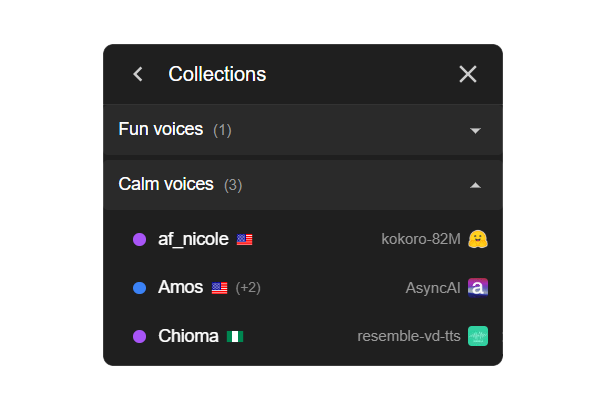
Organize your top voices for instant access. Create lists for "Study Mode", "Fiction", or "News Reading".
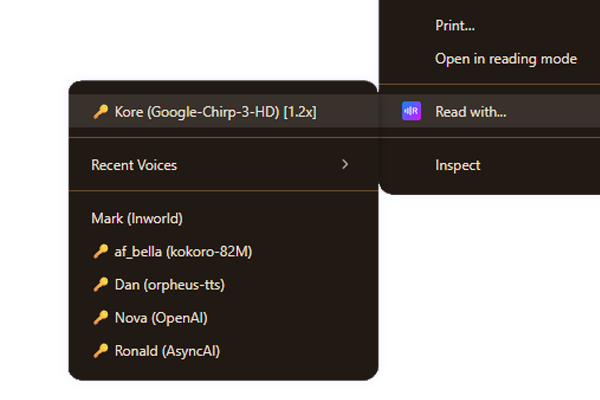
Right-click any text and play instantly. Bypasses the need to open the extension popup.
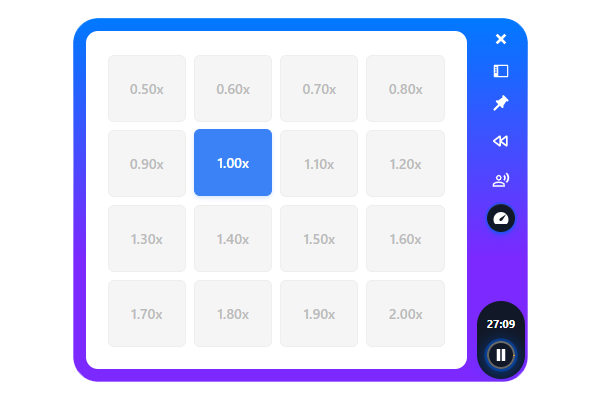
Fine-tune playback speed from 0.5x to 2.0x. Perfect for speed-readers or language learners.
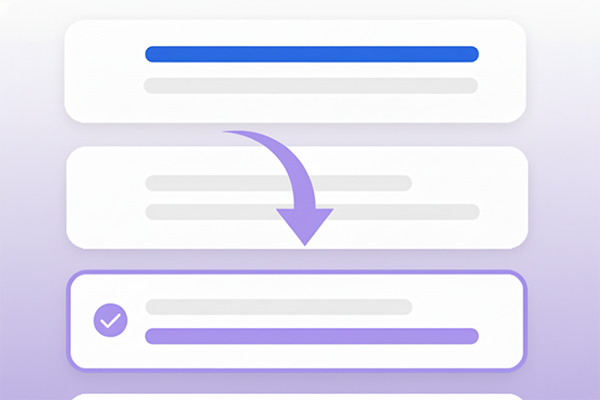
Click anywhere in the text to jump instantly. Real-time highlighting keeps you in sync with the audio.
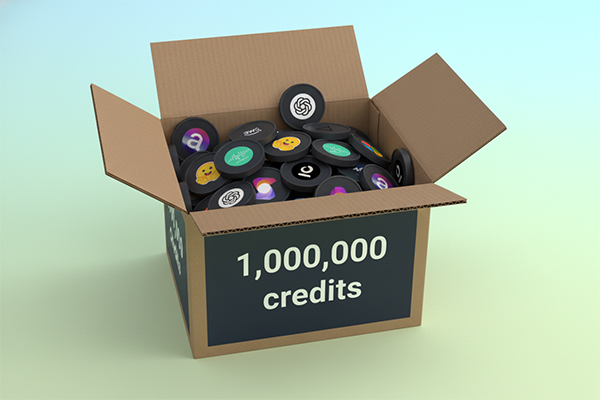
Don't want to use API keys? Buy voice packs ranging from 87.5k to 3 million characters.
Join thousands of readers who have stopped overpaying for text-to-speech.
Start for FreeEverything you need to know about VoiceRankings Reader
Two options: (1) Voice Credits start at $3.49 for 87,500 characters and never expire. (2) Developer Mode is a $9 one-time fee that lets you bring your own API keys and pay provider costs directly (as low as $0.65 per million characters). Most users save 90%+ vs Speechify's $348/year.
You start with 10 free echo tokens. Each voice generation uses 1 token (up to 200 characters + sentence completion). Rate any voice with a simple 1-5 star rating and earn 2 tokens back. This means if you rate half the voices you hear, you get unlimited free usage.
"Bring Your Own Key" (BYOK) lets you connect your own API keys from voice providers like Inworld, Kokoro, OpenAI, Google Cloud, etc. You pay provider prices directly—often 90%+ cheaper than Speechify. The $9 one-time fee unlocks this feature forever.
Bonus: Many providers offer free credits! Inworld gives $5 free (1M characters), Google Cloud gives $300, Azure gives $200. Setup takes ~3 minutes with our video guide.
Yes. Your API keys are stored only in your browser using Chrome's secure extension storage. They never pass through our servers—the extension makes direct API calls to your chosen providers (OpenAI, Google, etc.).
This is the same approach used by developer tools and is more secure than giving your keys to a middleman service. You can revoke or rotate keys anytime from your provider's dashboard.
Yes! Create "Content Echoes"—shareable audio links up to 2 minutes long. Perfect for sharing interesting articles with friends, creating audio summaries for your team, making study notes for classmates, or audio reactions to news/content. Only people with your link can listen. This feature is unique to VoiceRankings!
Join our Discord community and chat with 500+ users who've already made the switch!
Join Discord Community